Welcome to Autorun AI Documentation
Welcome to Autorun AI - the AI-powered platform that lets you build custom business applications, automate workflows, and deploy AI agents through simple conversation. No coding required.
New to Autorun AI? This documentation will help you get up and running in minutes. Start by exploring our Quick Start guide below.
What is Autorun AI?
Autorun AI is a revolutionary business application platform that combines three powerful capabilities:
-
Chat to Build - Create custom applications by describing your needs in plain English
-
Automate with Ease - Set up complex workflows and automations without code
-
Hire AI Employees - Deploy specialized AI agents that work alongside your team 24/7
Quick Start
Get started with Autorun AI in three simple steps:
1. Sign Up for an Account
Create your Autorun AI account at autorun.ai. No credit card required for the trial period.
Click to zoom - The simple signup process takes less than 2 minutes2. Describe Your First Application
Open the chat interface and describe what you need. For example:
"I need an inventory tracking system for my warehouse that shows stock levels, alerts me when items are low, and tracks supplier information."
Autorun AI will analyze your requirements and start building your custom application, including:
- A tailored database structure with sample data
- An intuitive user interface
- Basic automations and workflows
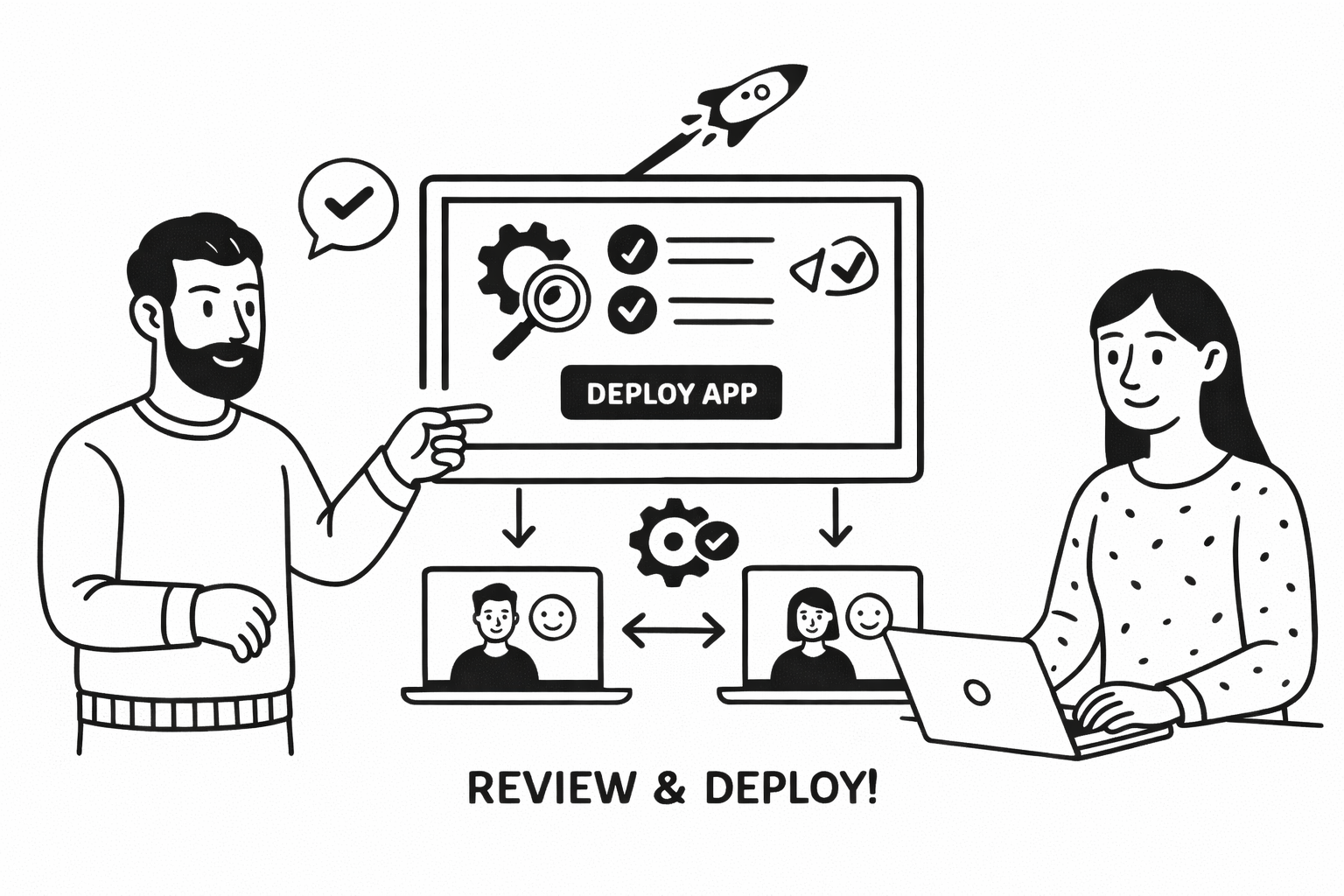
3. Refine and Deploy
Review your application, make adjustments through conversation, and deploy it to your team. Most applications are ready in minutes, not months.
 The conversational interface makes building applications intuitive
Core Capabilities
1. Building Applications
Transform your business ideas into fully functional applications through natural conversation. Autorun AI automatically creates:
- Custom databases with appropriate relationships and sample data
- User interfaces designed for your specific workflow
- Business logic tailored to your processes
- Access controls and permissions
Perfect for: CRM systems, inventory trackers, project management tools, HR management, and any custom business process.
2. Workflow Automation
Eliminate repetitive tasks with powerful no-code automation:
- Event-based triggers - Respond automatically to emails, form submissions, database changes, and more
- Smart scheduling - Run automations at specific times or intervals
- Multi-step workflows - Chain together complex sequences of actions
- Conditional logic - Create sophisticated automation rules without code
3. Common use cases
- Customer onboarding workflows
- Invoice processing and approval
- Lead qualification and routing
- Automated reporting and notifications
4. AI Employees
Deploy specialized AI agents that handle routine tasks and provide expert assistance:
- Research Assistant - Conducts market research, analyzes competitors, generates comprehensive reports
- HR Assistant - Screens resumes, schedules interviews, handles onboarding, answers policy questions
- Data Analyst - Cleans data, identifies trends, creates forecasts, generates visualizations
- Customer Support Agent - Handles inquiries 24/7, escalates complex issues, analyzes sentiment
Each AI employee can be trained on your specific business context and learns from interactions to improve over time.
Manage your team of AI employees from a centralized dashboardWhat You Can Build
1. Pre-Built Templates
Start quickly with our ready-to-use templates:
- Inventory Tracker - Real-time stock management with automated reordering
- Sales CRM - Complete customer relationship management with pipeline tracking
- Project Manager - Coordinate teams, track progress, manage deliverables
- HR Management - Employee data, time-off requests, performance reviews
- Invoice System - Create, send, and track invoices with payment reminders
2. Custom Applications
Build applications for your unique business needs:
- Process management tools
- Custom reporting dashboards
- Client portals
- Compliance tracking systems
- Quality assurance workflows
- Equipment maintenance schedules
Pro Tip: Start with a template and customize it through conversation. This is often faster than building from scratch and gives you a solid foundation.
Key Features
1. Conversational Interface
Build and modify applications using natural language. No technical knowledge required.
You: "Add a field for customer email and make it required"
Autorun AI: "I've added a required email field to the customer form. Would you like me to add email validation as well?"
2. Mix and Match Functionality
Combine powerful features from industry-leading tools:
- Kanban boards like Jira for visual task management
- Rich editing like Notion for documentation
- Task management like Asana for project coordination
- Dashboards like Tableau for data visualization
3. Pre-Built Integrations
Connect with your existing tools:
- CRM systems (Salesforce, HubSpot)
- Communication platforms (Slack, Microsoft Teams)
- Productivity suites (Google Workspace, Microsoft 365)
- Accounting software (QuickBooks, Xero)
- Plus a universal API connector for custom integrations
Why Autorun AI?
1. Build in Minutes, Not Months
Traditional application development takes weeks or months. With Autorun AI, most applications are ready in under an hour.
2. No Technical Skills Required
If you can describe your needs in plain English, you can build with Autorun AI. No coding, database design, or IT knowledge needed.
3. Scales with Your Business
Start simple and add complexity as you grow. Refine logic, add features, and scale to thousands of users without starting over.
4. Continuous Learning
Our AI learns from every interaction, providing increasingly valuable suggestions and optimizations over time.
The main dashboard provides quick access to all your applications and AI agentsNeed Help? Our support team is available 24/7 through the in-platform AI assistant. For complex questions, reach out via email or schedule a call with our customer success team.
Community & Support
- Docs - Searchable articles and guides
- Newsletter - Subscribe for updates
- Video Tutorials - Step-by-step video guides
- Live Chat - Get instant help from our AI assistant
- Email Support - support@autorun.ai
Ready to transform how you work? Sign up for Autorun AI and build your first application in minutes.